
LearnWorlds virtual classroom software
Harness the power of human connection with live meetings
Use our virtual classroom LMS to talk with your learners effectively and create meaningful one-on-one and group connections. Leverage the power of Zoom, Webex, Microsoft Teams, and Calendly to empower shared learning experiences and real-time conversations.
800k
Courses created
2m
Active learners/month
$1b+
Customer revenue
TL;DR
LearnWorlds allows you to deliver live, synchronous learning experiences with a virtual classroom LMS built for engagement, collaboration, and flexibility.
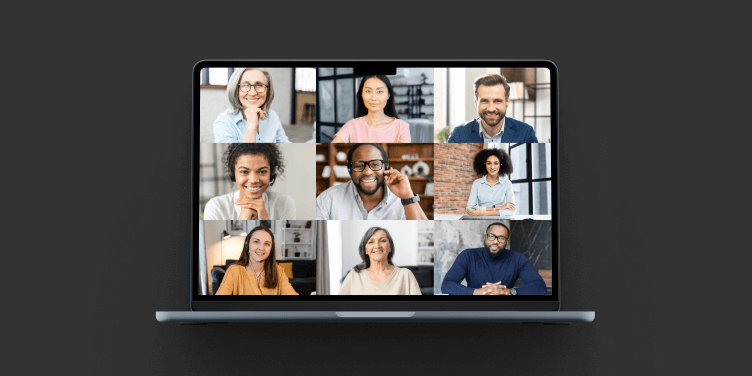
Run one-on-one coaching, group workshops, and live training events with Zoom, Webex, MS Teams & Calendly
Record live sessions once and instantly repurpose them into on-demand course activities
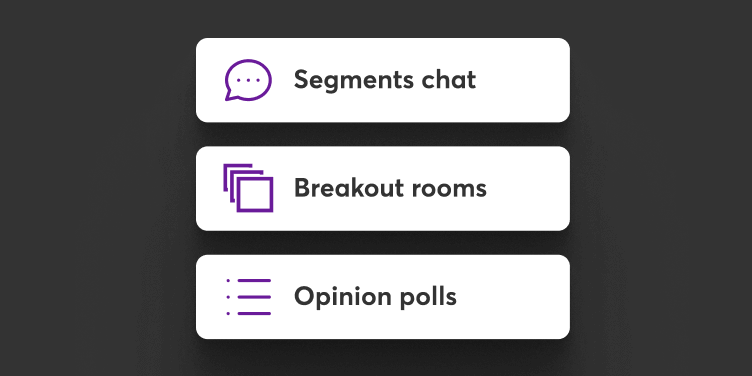
Engage learners with built-in interactive tools like polls, breakout rooms, whiteboards and chat
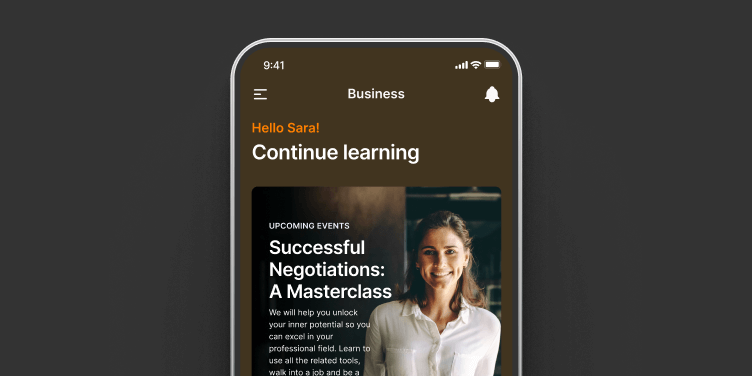
Offer mobile-first, white-labeled access via branded iOS & Android apps for deskless and remote teams
Best for:
L&D teams, corporate trainers, coaches, and customer education professionals looking to scale interactive, human-centered learning.
Live sessions, vivid learning experiences in a powerful LMS with virtual classroom capabilities
Turn your courses into valuable live experiences
Bring people together in active learning experiences that spark curiosity, enable immediate feedback, and inspire participants to build new skills.
Personalize learning
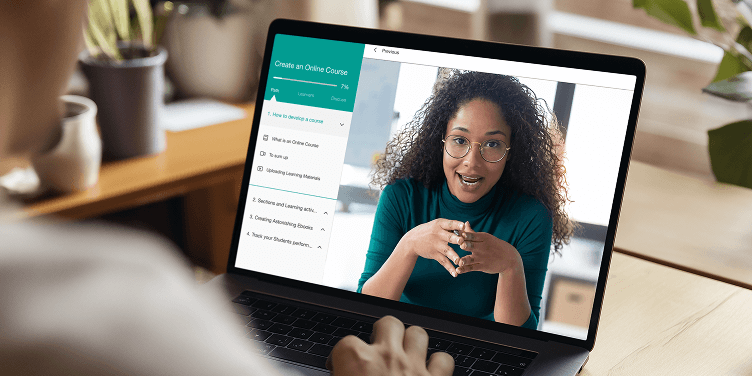
Craft memorable personal experiences with 1:1 and group sessions. Talk to your learners, showcase your expertise, build trust & confidence, and increase customer retention.
Upskill with peer learning
Use live sessions to empower participants to learn from peers and experts by raising hands, participating in breakout rooms, and asking questions in the Q&A.

Instructors’ personality matters
Unlock your temperament by doing what you’re best at. Bring virtual learning to life, take center stage, and add your personal tone of voice in a connected experience.
Ice-break the anonymous self-paced learning
Vivify your academy with experiences that break the monotony of online learning. Leverage exclusivity and mass connectivity with one-on-one meetings and live events.

Go live, go mobile
Connect and engage with your learners regardless of their location, with your iOS and Android mobile app.

Cultivate a thriving learning community
Use an LMS virtual classroom to foster connection, collaboration, and engagement. Learners interact through live sessions and shared activities, building stronger motivation and better outcomes.
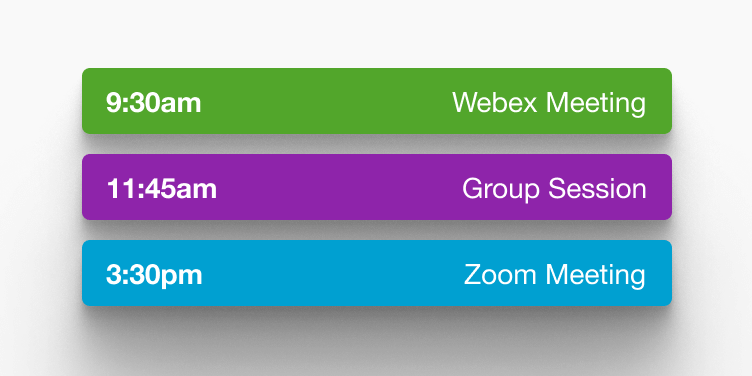
Drive group progression through shared milestones
Move learners forward together with structured timelines and scheduled live sessions. Shared goals keep everyone aligned and accountable.
Boost accountability and see real results
A virtual classroom LMS supports real-time interaction, attendance tracking, and live feedback. These features drive learner engagement and ensure measurable progress.
Add live events, one-on-one, and group sessions in your courses
Build rich training programs with our virtual classroom and LMS software
Run a 7-day workshop, a VIP or exclusive training, group sessions, or one-on-one sessions; for coaching, customer education, fitness, or employee training—it’s all possible.
Live recorded once, hosted forever
Combine the intimacy of live interaction with the evergreen convenience of recorded content. Extend your reach and make your webinar available, even when you’re not.
Stick with the stack of tools you already have
Unlimited one-to-one and group video networking sessions to foster connections between your learners by integrating with Zoom, Webex, Microsoft Teams, and Calendly.
An LMS with virtual classroom and webinar integration makes your life easier and livelier
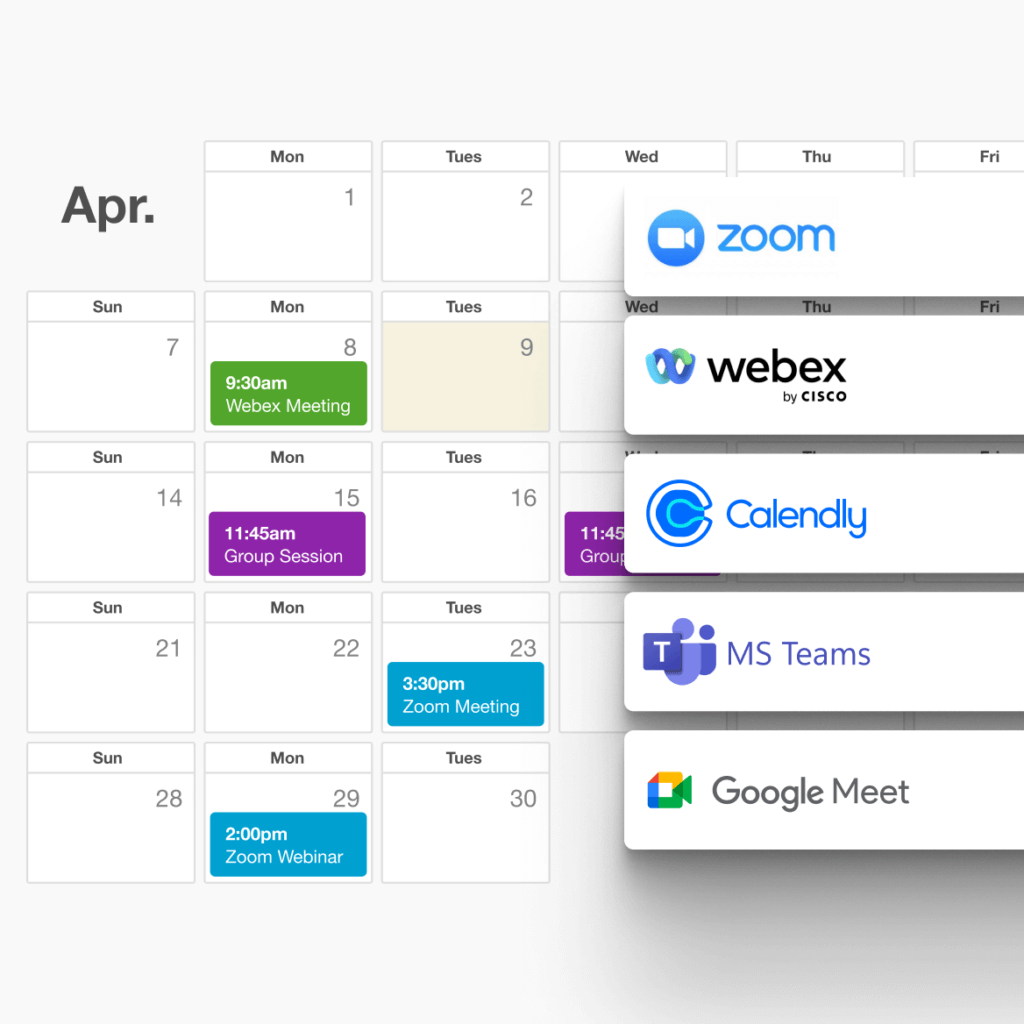
Set up the event and let LearnWorlds handle the rest
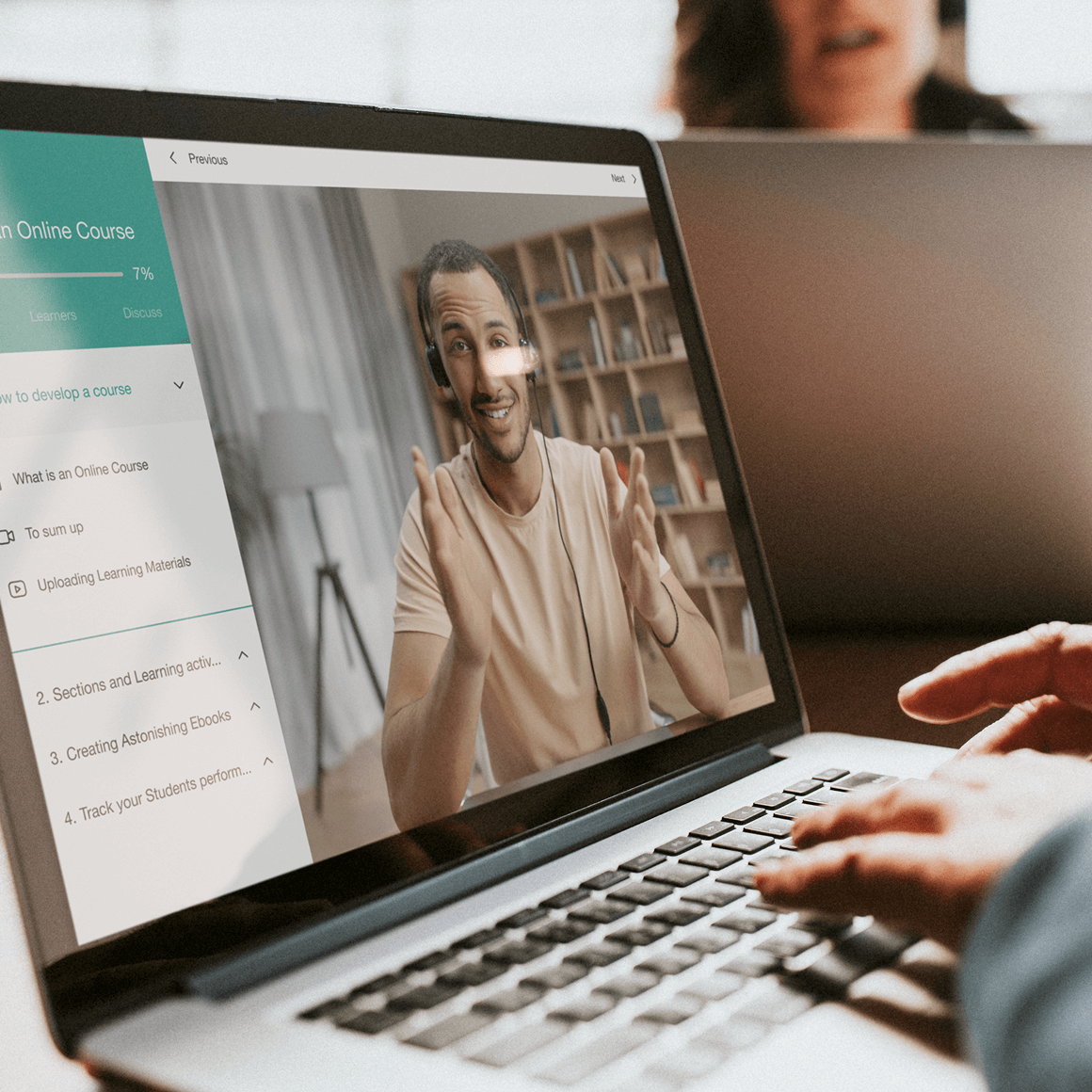
Simply add your meetings as learning activities in a course, and only enrolled learners will have access to attend or register.
Multiple instructors, multiple live sessions
Run multiple live sessions at the same time by giving instructors the power to plan their live sessions through Zoom, Google Meet, Microsoft Teams, and Webex.
Track attendance and export events reports
LearnWorlds is an LMS with virtual classroom and webinar integration that automatically extracts attendance from Zoom and Microsoft Teams, and provides useful performance reports. However, you can also manually manage attendance.
Schedule coaching sessions with Calendly
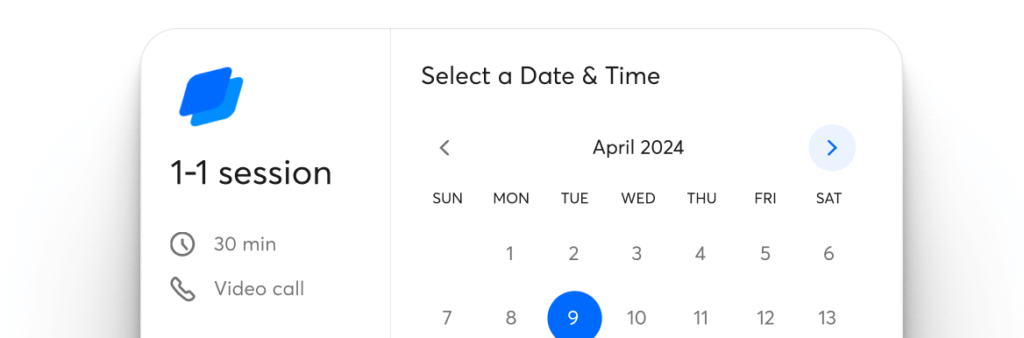
One-to-one sessions
Give every learner the VIP treatment. Connect Calendly to LearnWorlds, set your availability once, and let clients book the perfect time—right inside the course player. Ideal for deep-dive coaching, personal goal-setting, and tailored consultations without the back-and-forth.
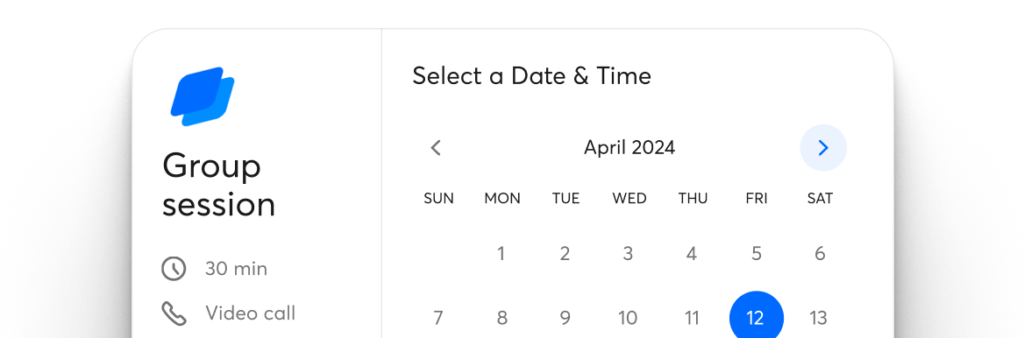
Group sessions
Turn live lessons into focused, high-energy workshops. Limit seats, create topic-based rooms, and let learners choose the session that fits their path—LMS virtual classroom features boost attendance and group dynamics beyond a basic webinar.
Explore the live engagement tools in your courses using our LMS with virtual classroom features
Participants in courses are more than attendees; they listen and participate. Take advantage of screen sharing, polls, segment chat, breakout rooms, and involve the whole audience.

Use our virtual classroom LMS to grow your academy with efficiency
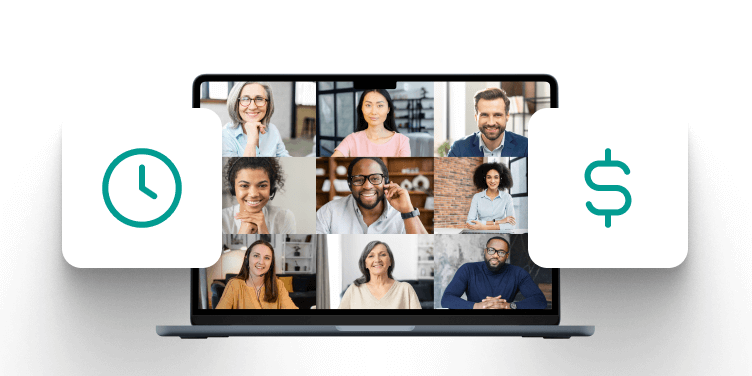
Save time and money
Avoid the cost of producing professional training videos by running live online training sessions with one of the best virtual classroom platforms in the market.
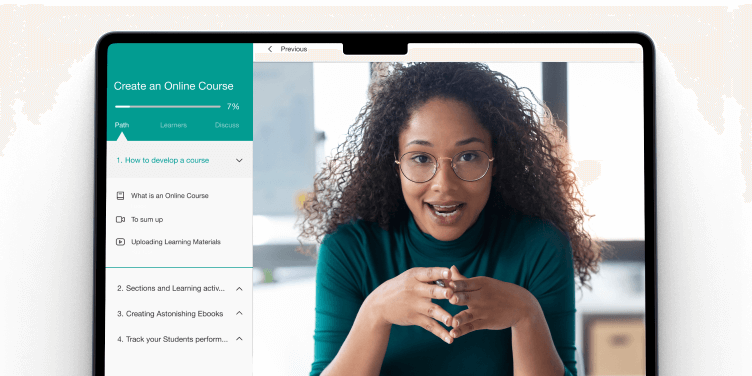
Be paid for VIP experiences
Offer genuine one-to-one training and provide each trainee with the proper attention and the ideal time they need.
Increase your customer retention
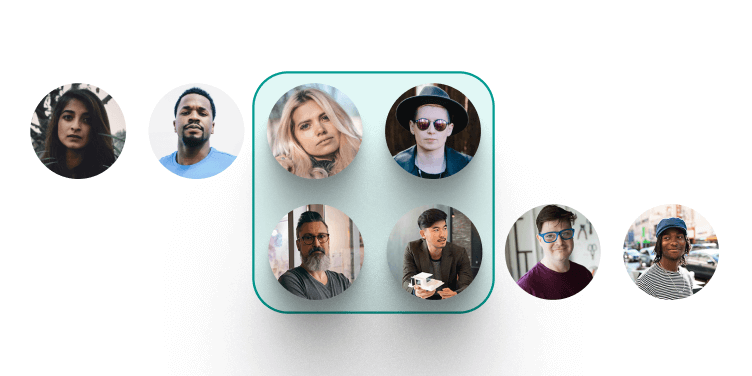
Together, everyone achieves more. Successful human connections encourage more learning and promote retention.
Try the best virtual classroom software and get a world full of market-leading features
Experience the power of LearnWorlds’ full suite of features. The most advanced on the market to build, market, and analyze your school, while keeping your students on point with live, flexible, and interactive courses.
Flexible Courses
Design impactful learning journeys that motivate and inspire.
Interactive Video
Use video-based learning to boost engagement and retention.
Pop-up Builder
Use popups strategically to guide users and highlight key actions.
Affiliate Programs
Grow through referrals—set up and manage your affiliate network.
AI Assistant
Bring your knowledge to life: AI supports you with tailored insights and content suggestions.
Mobile App Builder
Create a branded mobile experience that fits your learners’ lifestyles.
Bundles & Subscriptions
Increase revenue with flexible bundling and recurring payment models.
Survey Builder
Collect feedback that helps you refine your courses and strategy.
Website Builder
Launch a polished elearning site effortlessly—no technical skills needed.
Checkout & Payment
Offer smooth, secure transactions with full control over pricing.
Assessment Builder
Create reliable, user-friendly quizzes and self-assessments with ease.
Analytics & Reports
Monitor performance across your school with built-in LMS reporting and analytics.
Marketing Tools
Promote your academy with powerful tools built for conversions.
Live Sessions
Connect in real time to strengthen learner engagement and community.
Custom User Roles
Assign permissions confidently with tailored access controls.
Integrations
Extend your school’s reach with seamless connections to your favorite tools.
SCORM
Upload and manage SCORM/HTML5 content for interactive course delivery.
White-label Website
Deliver a completely branded experience—your school, your way.
LTI
Bring external learning tools into one consistent training experience.
Support articles
Learn how to integrate your Zoom account with LearnWorlds and create Zoom Meeting or Zoom Webinar learning activities that learners can join directly through your course player.
Support article: How to create a Zoom learning activity
Learn how to integrate your Webex account with your LearnWorlds school and add Webex live sessions as learning activities inside your courses.
Support article: How to create a Webex learning activity
Find out how to connect Calendly with your LearnWorlds school so learners can book one‑on‑one or group coaching sessions through your courses.
Support article: Schedule meetings with Calendly
This covers step‑by‑step how to add both one‑to‑one and group live session activities to your course using built‑in features and integrations.
Support article: 1:1 session learning activity | Group session learning activity
Learn how to view, edit, and start all your upcoming and past live, one‑to‑one, and group sessions from the Live Sessions admin page.
Support article: Monitor and manage live sessions
Step‑by‑step instructions on integrating Microsoft Teams with LearnWorlds and adding Teams live sessions into your course structure.
Support article: Create a Microsoft Teams learning activity
Learn how to enable automatic replay and recording of live sessions so learners can watch them later as on‑demand content.
Support article: Replay and auto‑record in live sessions
Learn how to monitor and export participant data from live sessions hosted via Zoom, Webex, Microsoft Teams, or Google Meet—including attendance and engagement tracking for each user.
Support article: Track user progress for live sessions
Glossary of terms
Cohort-based course platform: A platform that enables groups of learners to progress together through a course with shared schedules, milestones, and live interaction.
Virtual classroom LMS: An LMS with built-in video conferencing tools like Zoom, Webex, and Microsoft Teams to support real-time teaching.
Webinar integration: The ability of LMS to connect with webinar tools to schedule, host, and record live sessions directly within a course.
Live sessions: Real-time meetings that support active learning through instructor-led or peer-to-peer interaction.
Group progression: A structured learning method where learners advance together, promoting accountability and peer support.
On-demand course activity: A recorded live session or video lesson that becomes reusable learning content for future learners.
Breakout rooms: Segmented live meeting spaces used during sessions to facilitate small-group collaboration and discussion.
White-labeled LMS: A learning platform that can be fully customized with your company’s branding, logo, and domain.
Compliance training: Structured training programs designed to ensure employees meet industry regulations and legal requirements.
Custom user roles: Permission settings that define user access levels, such as admin, instructor, or learner, within the platform.
Calendly integration: The ability that allows learners to book one-on-one or group coaching sessions directly through the course interface.
Interactive learning tools: Features like polls, whiteboards, chat, and screen sharing that increase engagement during live sessions.
Mobile-first LMS: A platform optimized for mobile learning, providing a flexible experience through branded iOS and Android apps.
Attendance tracking & analytics: Tools that automatically capture learner participation in live sessions and generate performance reports.
Learning paths: Predefined course sequences designed to guide learners based on their roles, skills, or training needs.
FAQs
The best virtual classroom software is the one that reliably delivers live, interactive training while staying easy to run for instructors and easy to join for learners. In practice, “best” usually means: stable video and audio, interactive tools (chat, polls, Q&A, whiteboard, breakout rooms), session recording, attendance tracking, and smooth scheduling and reminders—without requiring learners to download complicated apps or fight with logins.
For internal training teams, the best choice is often the platform that combines a strong live classroom experience with the ability to organize training into structured programs (onboarding, compliance, role-based learning paths), track completion, and keep everything branded and centralized.
A cohort‑based course platform is a learning environment designed to bring groups of learners together to move through a course curriculum as a community rather than individually at their own pace. This shared progression framework helps maintain motivation, increases accountability through group milestones, and encourages interaction among participants who can support one another’s learning journey.
Cohort-based courses transform solo study into a social experience where learners engage with content but also their peers and instructors in ways that drive deeper understanding and higher completion rates.
With the LMS virtual classroom, you can host live video lessons, facilitate real‑time discussions, and engage learners using interactive tools like screen sharing, polls, breakout rooms, and group chat. These features allow you to recreate the dynamic of a physical classroom, enabling instructors to ask questions, respond to student input, and drive engagement throughout a session.
Beyond live instruction, an interactive learning management system offers a learning environment that also supports structured Q&A segments, collaborative exercises, and the ability to blend synchronous sessions with course content.
Our platform for cohort‑based courses is built with enterprise security and compliance in mind, ensuring that sensitive training content and learner data remain protected at all times. LearnWorlds follows rigorous data security practices, including encrypted data storage, isolated databases for each school, secure password handling, and enforced HTTPS traffic to keep information safe from unauthorized access.
For corporate training scenarios, these protections are paired with advanced enterprise features such as GDPR compliance, Single Sign‑On (SSO), dedicated cloud infrastructure, and role‑based access controls, giving organizations confidence that their learning environment meets internal and regulatory security standards.
Learn more about LearnWorlds data security.
Yes. LearnWorlds allows multiple instructors to run live sessions simultaneously under the same school account. Each instructor can schedule their own cohort meetings, workshops, or coaching calls using tools like Zoom, Microsoft Teams, or Webex, enabling a flexible and scalable live learning ecosystem.
This multi‑instructor setup is great for academies, training departments, and learning communities that need to serve different audiences at the same time, avoiding scheduling conflicts or bottlenecks.
Absolutely. As an LMS with virtual classroom, LearnWorlds supports fully responsive live learning experiences that work on mobile devices, including branded iOS and Android apps. Whether learners are in the field, commuting, or working remotely, they can join live sessions, participate in discussions, or access session recordings directly from their smartphones or tablets through an elearning mobile app.
This mobile‑first capability ensures your workforce stays connected to training regardless of where they are, making it especially valuable for deskless employees who rely on mobile access to engage with live instruction and learning materials.
An LMS with virtual classroom and webinar integration, like LearnWorlds, supports large live group sessions where many participants can join a single meeting or workshop simultaneously. When you integrate with scalable video platforms like Zoom and Microsoft Teams, the system can flexibly accommodate whatever audience size you need, from small workshops to larger interactive webinars.
These integrations also allow you to manage attendance, host breakout discussions, and capture participation analytics efficiently, helping instructors run sessions with confidence regardless of group size.
Explore LearnWorlds’ integrations.
Yes. With LearnWorlds’ virtual classroom and LMS software, you can easily convert recorded live sessions into on‑demand learning activities. Once a live session ends, the recording can be attached to your course, allowing learners who missed the live event to watch it later as part of their learning path.
This automation helps you extend the value of live instruction by turning real‑time engagement into evergreen content that fits varied learner schedules without extra manual work.
LearnWorlds doesn’t offer native live-classroom tools like polls and collaborative whiteboards inside the platform. Instead, you can run live sessions through popular video conferencing tools such as Zoom, Google Meet, Webex, or Microsoft Teams—many of which include features that allow the delivery of engaging course content like polls, chat, whiteboards, and Q&A (depending on the provider and plan).
The platform complements these live sessions by letting you structure them inside your course experience so you can manage access, share materials, add follow-up activities, and track learner progress alongside the rest of your training.
Learn more about LearnWorlds features.
Yes. The LMS virtual classroom capabilities in LearnWorlds can be fully white‑labeled. That’s because a white-label LMS lets organizations present a unified training experience under their own brand. With it, you can customize colors, logos, domains, and course player visuals so that learners feel fully immersed in your branded academy experience.
For enterprises and professional training providers, this branding flexibility extends to pricing tiers and feature controls as well. This way, you get to tailor the environment for different segments of your audience while keeping pricing transparent and consistent.
Check LearnWorlds’ pricing.
Launch your live learning community today
Deliver immersive training, boost team engagement, and elevate skills development with LearnWorlds’ all-in-one platform. Whether you’re training employees, partners, or customers, our virtual classroom LMS empowers live collaboration, structured learning paths, and mobile-first access—wrapped in your brand.
Published:
Last Update: