

LearnWorlds’ form & survey builder
Capture leads, feedback, and insights—without leaving your academy
Use LearnWorlds’ Forms & Survey Builder to design beautiful, highly engaging forms and surveys for your website pages and courses. Collect key data, qualify leads, measure NPS, and improve learning—fast, no code required.
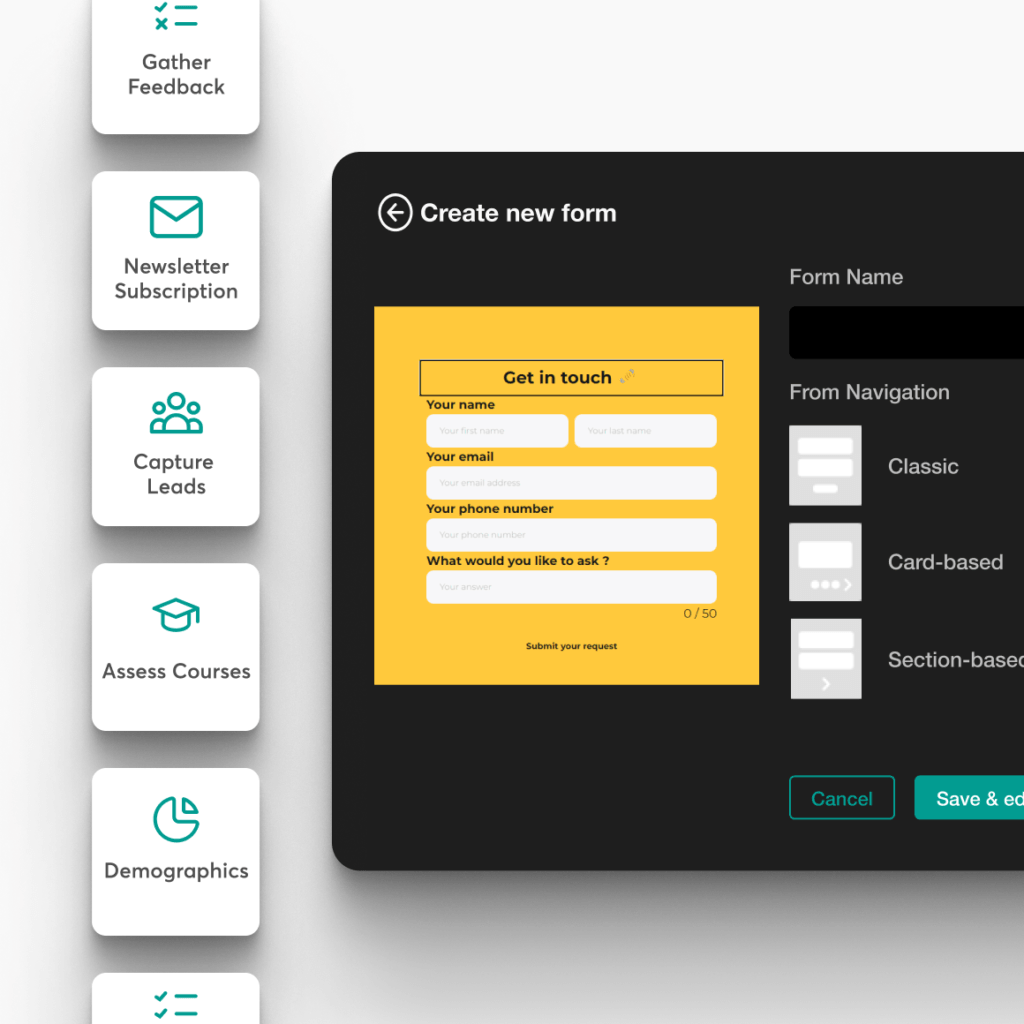
Capture and qualify leads automatically
Improve course quality with real feedback
Measure NPS and satisfaction at scale
Turn responses into smarter offers and follow-ups
900k
Courses created
2m
Active learners/month
$1b+
Customer revenue
TL;DR
LearnWorlds makes it easy to collect customer and learner data with a powerful online survey builder that was designed for marketing and elearning.
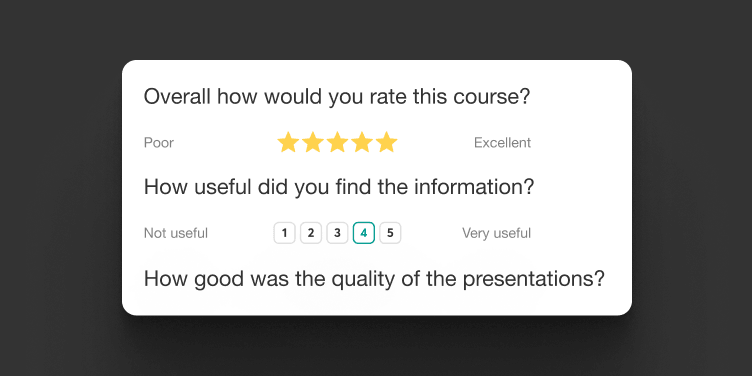
Build surveys for lead capture, course evaluation, learner preferences, and NPS
Create forms your way from scratch, with templates, or AI, and add them to any website page or learning activity in minutes
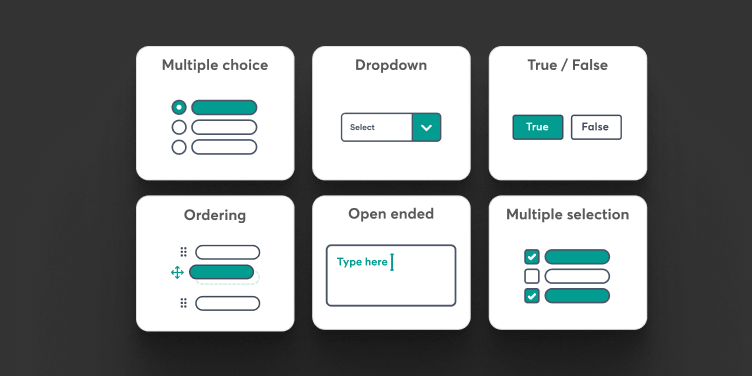
Collect richer insights with 26 question types—plus file uploads
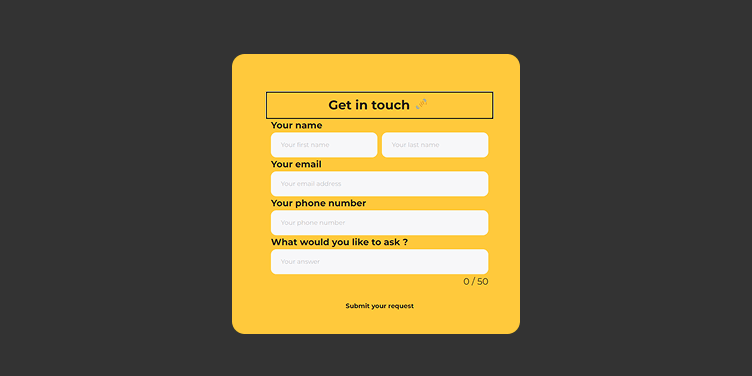
Track responses and improve as you go with easy form and submission management
Best for: Course creators and businesses that want to grow faster with better lead data, higher learner engagement, and tighter feedback loops.
Build forms and surveys people actually want to complete
Collect better data across the entire customer journey—from first visit to post-course feedback. Design on-brand surveys and forms with an online survey form builder that feels like part of your experience, not a clunky add-on.
Elevate your customer communication at every step.
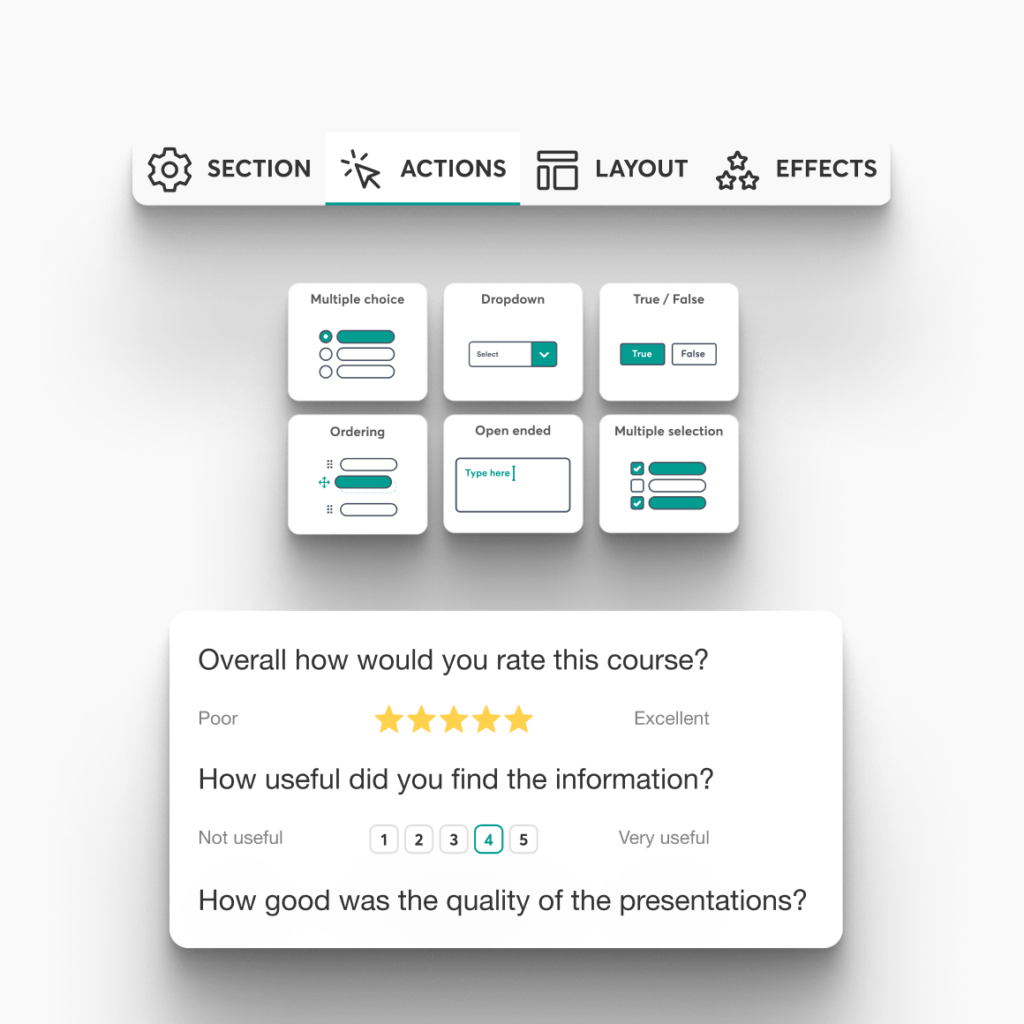
Powerful surveys to collect key customer data
Whether you want to capture and qualify leads, assess learner preferences, collect NPS scores, or evaluate a course, there’s a survey format to support it. Choose the formats you need or build your own unique form or survey that meets your needs.
Build it from scratch or with AI in minutes
Create sleek forms and surveys with a survey and form builder that doesn’t need coding. Add conditions, customize the flow, or use AI-guided dialogue to create more engaging surveys and save the conversation as a response.
Manage everything from a single dashboard
View, edit, and reuse your marketing or course-related forms and surveys. See responses, track where each form is used in your academy, and update everything in a few clicks.
Maximize your marketing efforts and boost your sales

Capture and qualify leads with ease
Gather the exact audience information you need (use case, role, goals, budget, timeline) so you can personalize your messaging and offers.
Turn forms into an effective sales funnel
Use forms to redirect prospects to the right next step: a course bundle, a webinar replay, a consultation booking, or a high-intent offer. Cross-sell and upsell with less friction.
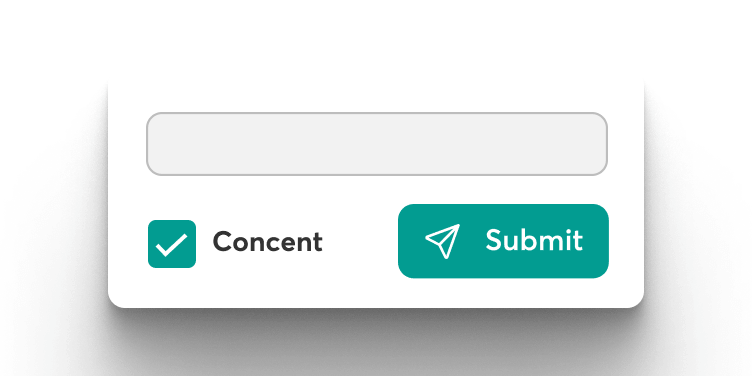
Get consent easily with ready-to-use consent forms
Keep security and clarity front and center with customizable consent and incident-report style forms that reinforce your rules and expectations.
Use forms & surveys for marketing, elearning and business purposes
From lead capture and pre-launch registration to onboarding and post-course feedback—our survey builder online helps you collect the right data at every stage.
Pre-launch registration
Assess courses
Capture leads
Newsletter subscription
Get to know your audience
Gather feedback
Demographics collection
Social proof reviews
Onboard learners
Measure Net Promoter Score
3 easy steps to make your own forms
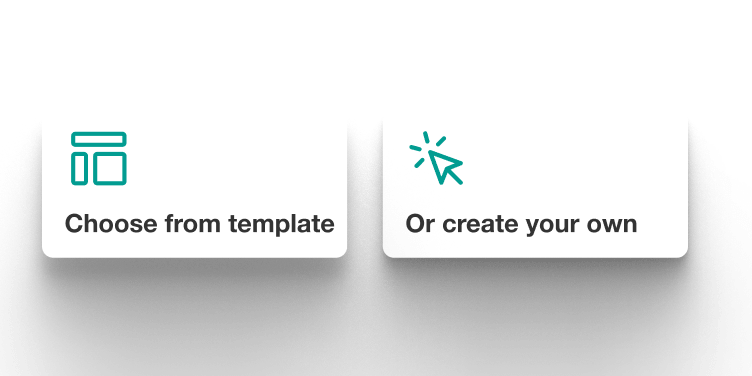
Step 1
Start from scratch or use our ready-made templates.
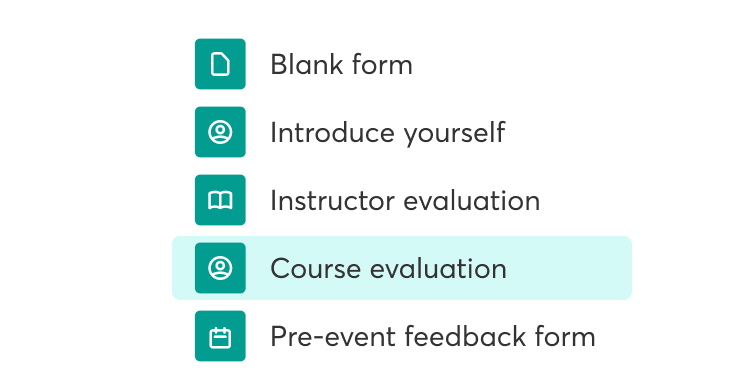
Step 2
Click, drag, and drop to customize and place the form, or use our AI assistant to populate the form with questions.
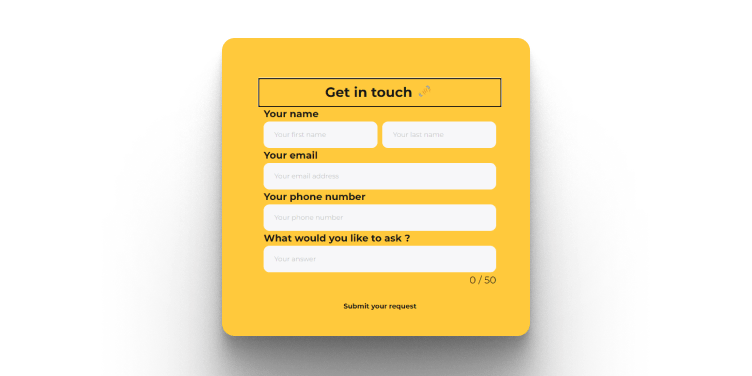
Step 3
Turn your form into a learning activity, embed it anywhere on your site, or share a link to capture leads through your marketing.

LearnWorlds forms and surveys vs a typical LMS
Most LMS platforms offer some surveying capability, but it’s often basic and meant for simple course feedback. Here’s how a typical/baseline LMS compares to LearnWorlds’ built-in Forms & Survey Builder.
| Capability | Basic LMS | LearnWorlds |
|---|---|---|
| Built-in forms & surveys | Often limited (basic surveys) or not native; commonly done with external tools (Google Forms/Typeform) | Built-in forms and surveys designed for both marketing + learning use cases |
| Marketing forms (lead capture) | Usually not included or very basic; handled by website/CRM tools | Dedicated marketing forms with templates for lead capture and qualification |
| Course-embedded forms (inside learning) | Sometimes, only end-of-course survey; deeper in-course data capture is less common | Add forms as a course learning activity (collect inputs, onboarding info, feedback) |
| Templates & faster creation | Often few/no templates; manual build or external tools | Start building with templates or from scratch (built for common use cases) |
| Question types & richer inputs | Typically basic (MCQ + short text) unless external tool is used | Wide range of question types which vary by form/activity + special types eg, semantic differential, yes/no, AI-guided dialogue for deeper insights), enabling richer data capture |
| Response management | Responses can be spread across tools, limited native reporting | Centralized form creation + response viewing inside the platform |
| Common use cases supported | Mostly course evaluation and simple feedback | Lead qualification, audience insights, course feedback, onboarding inputs |
| NPS-style surveys | Sometimes available, but often run via external survey tools | Supported use case (NPS is positioned as a built-in outcome/use) |
| Where you can place forms | Usually inside courses, often limited placement options | On-site pages (marketing) and inside courses (learning activities) |
| Typical setup complexity | Often requires a stack (LMS + forms tool + integrations) | No-code inside LearnWorlds, less tool sprawl, faster iteration |
An LMS with a form & survey builder powered by a world full of market-leading features
Experience the power of LearnWorlds’ full suite of features. The most advanced on the market to build, market, and analyze your school—while keeping your learners engaged with live, flexible, and interactive courses.
Flexible Courses
Design impactful learning journeys that motivate and inspire.
Interactive Video
Use video-based learning to boost engagement and retention.
Pop-up Builder
Use popups strategically to guide users and highlight key actions.
Affiliate Programs
Grow through referrals—set up and manage your affiliate network.
AI Assistant
Bring your knowledge to life: AI supports you with tailored insights and content suggestions.
Mobile App Builder
Create a branded mobile experience that fits your learners’ lifestyles.
Bundles & Subscriptions
Increase revenue with flexible bundling and recurring payment models.
Survey Builder
Collect feedback that helps you refine your courses and strategy.
Website Builder
Launch a polished elearning site effortlessly—no technical skills needed.
Checkout & Payment
Offer smooth, secure transactions with full control over pricing.
Assessment Builder
Create reliable, user-friendly quizzes and self-assessments with ease.
Analytics & Reports
Monitor performance across your school with built-in LMS reporting and analytics.
Marketing Tools
Promote your academy with powerful tools built for conversions.
Live Sessions
Connect in real time to strengthen learner engagement and community.
Custom User Roles
Assign permissions confidently with tailored access controls.
Integrations
Extend your school’s reach with seamless connections to your favorite tools.
SCORM
Upload and manage SCORM/HTML5 content for interactive course delivery.
White-label Website
Deliver a completely branded experience—your school, your way.
LTI
Bring external learning tools into one consistent training experience.
How can different industries use LearnWorlds’ forms & surveys?
Every industry needs better data to drive better learning and business decisions. LearnWorlds’ forms and surveys let you capture intent, segment audiences, personalize training, and prove impact easily.

Finance
Collect compliance attestations, knowledge self-declarations, and post-training risk feedback by role and region.

Healthcare
Run protocol check-ins, staff onboarding questionnaires, and patient-safety training evaluations across units.

Corporate
Qualify internal requests, gather onboarding feedback, and run pulse surveys after enablement programs.

Fitness
Capture goals and constraints during sign-up, track weekly progress, and collect testimonials automatically.

Education
Run placement questionnaires, course evaluations, and student support intake forms at scale.

Creators
Qualify leads (goals, niche, budget), collect testimonials, and survey audiences for next-course ideas.

Coaching
Use intake forms for personalization, post-call summaries, and NPS surveys to improve retention.

Customer Training
Segment users by plan/use case, capture onboarding goals, and reduce tickets via early feedback loops.

Non profit (NGO)
Collect volunteer onboarding details, training readiness checklists, and post-deployment feedback across regions.
Get the #1 forms & survey builder inside your online school. Sign up today
Capture better leads, collect meaningful feedback, and improve learning outcomes with LearnWorlds’ built-in forms and surveys. Create on-brand experiences, place them anywhere, and manage everything from one dashboard so you can optimize faster and grow smarter.
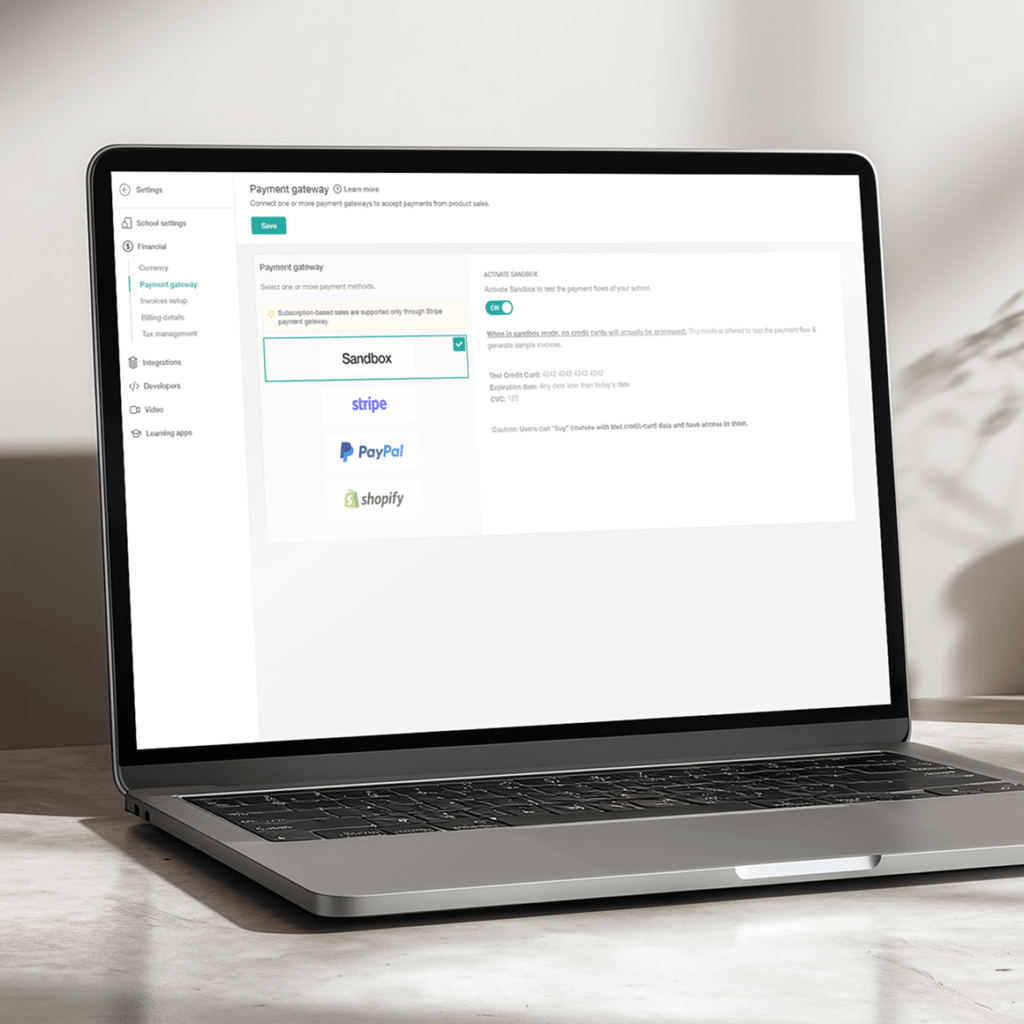
Support articles
Learn the difference between marketing forms and course forms, the available question types, and where forms can be used across your school.
Support article: Getting started with forms
Create lead capture forms for pages and campaigns, and start collecting prospect data inside LearnWorlds.
Support article: Create marketing forms | Capture leads using a marketing form
Add a form inside a course to collect learner input, preferences, feedback, and more—without using graded assessments.
Support article: Create a form learning activity
Add sections, question types, and richer widgets to build forms that match your goals and brand experience.
Support article: Add and customize form questions
Embed or link existing Google Forms in your courses when you need to keep an external workflow.
Support article: Create and analyze surveys using Google Forms
Create custom checkout/order forms to collect additional buyer details (eg company info, VAT ID, address, or internal references) during the purchase flow.
Support article: Create custom order forms
Review submissions from both course forms (learning activities) and marketing forms, including viewing individual answers, exporting results (CSV/XLS), and managing entries (eg deleting responses).
Support article: Review course & marketing forms responses
Set up a qualification form to gather customer insights right after signup/login, control where/when it appears, optionally allow skipping, tag users based on answers, and review/filter/export responses.
Support article: Collect customer feedback
Glossary of terms
Survey builder: A tool that helps you create surveys to collect feedback, measure satisfaction (eg NPS), and understand audience preferences.
Form builder: A no-code form builder for creating forms that collect information (like lead details, consent, onboarding inputs, or course feedback) inside your school.
Questionnaire builder: A questionnaire builder is an ideal tool for creating structured question flows for onboarding, collecting feedback, conducting research, or qualifying leads.
Marketing form: A form used on pages/campaigns to capture and qualify leads and support marketing and sales workflows.
Course form: A form used inside a course as a learning activity to collect learner input, preferences, and feedback (not graded like an exam).
NPS (Net Promoter Score): A survey metric used to measure loyalty and satisfaction by asking how likely someone is to recommend you.
Conditional logic: A way to show different questions based on previous answers, creating a more relevant survey experience.
Lead qualification: Collecting key details (role, needs, timeline, budget) to segment prospects and route them to the right offer.
Consent form: A form used to capture agreement, permissions, and policy acknowledgment (often used for compliance or privacy).
File upload question: A form field that allows respondents to attach files (useful for applications, assignments, proofs, or documentation).
FAQs
A survey builder is a tool that helps you create surveys and forms to collect information from people. This may be feedback, preferences, onboarding details, or satisfaction scores.
It’s used to capture structured data (not just comments) so you can analyze results, segment audiences, and make better decisions (eg improve a course, qualify leads, reduce churn, or measure training impact).
- Form: Used to collect information (lead capture, registration, consent, onboarding details). Often transactional.
- Survey: Used to measure opinions/experience (CSAT, NPS, course feedback, pulse checks). Often evaluative.
- Questionnaire: A broad term—basically “a set of questions.” It can function like a form or a survey depending on the goal.
Use a survey when you want perceptions or context (satisfaction, needs, blockers, expectations, self-reported confidence). Use an assessment/quiz when you want to measure knowledge or skill (right/wrong answers, scoring, certification readiness).
A practical rule to remember is: surveys capture “how someone feels/needs,” and assessments capture “what someone knows/can do.”
Check out LearnWorlds’ Assessment Builder.
NPS (Net Promoter Score) measures loyalty by asking: “How likely are you to recommend us to a friend or colleague?” on a 0–10 scale.
- Promoters: 9–10
- Passives: 7–8
- Detractors: 0–6
NPS = % Promoters − % Detractors (result ranges from -100 to +100). It’s best used with a follow-up question like: “What’s the main reason for your score?”
Generally, it’s a good idea to aim for:
- 3–5 questions for high-response surveys (NPS, quick feedback, post-lesson pulse)
- 5–10 questions for course evaluations or onboarding (if tightly relevant)
Make sure to keep it short, group related questions, and avoid “nice-to-have” items. If you need more detail, consider conditional logic so respondents only see questions that apply to them.
The easiest-to-complete formats usually perform best:
- Multiple choice / single-select (fast decisions)
- Rating scales (1–5 or 1–7)
- Likert scales (Strongly disagree → Strongly agree)
- Short text (use sparingly for “why?”)
- Dropdowns (good for long lists)
Use open-ended questions strategically (1–2 max) to capture the “why” without tanking completion rates.
CSAT (Customer Satisfaction Score) measures how satisfied someone is with a specific experience—like a course, module, support interaction, or onboarding step. Typically, it’s asked as: “How satisfied were you?” on a 1–5 (or 1–7) scale.
Use CSAT when you want a quick quality signal tied to a moment in the journey (eg right after completing a lesson or finishing a live session).
Conditional logic shows or hides questions based on someone’s previous answer. Use it when you want surveys to feel shorter and more relevant for your learners.
For example:
- If someone answers “Beginner,” show beginner-specific follow-ups
- If someone gives a low score, ask what went wrong
- If someone selects a role/department, show role-based questions
It improves completion rates and gives you cleaner, more actionable data.
Segmentation means grouping people based on what they tell you. This way, you can personalize content, messaging, and offers.
Common segments you can use are the following:
- Role (manager, individual contributor, student, customer)
- Goal (certification, onboarding, upskilling, troubleshooting)
- Skill level (beginner/intermediate/advanced)
- Intent (ready to buy vs researching)
- Risk (low satisfaction / low engagement)
Once segmented, you can tailor follow-ups (emails, course paths, bundles, coaching invites) to each user group.
A strong lead qualification form focuses on the minimum info needed to route someone correctly without creating friction.
Common high-performing questions include the following:
- Who are you? role, company (optional for B2B)
- What are you trying to achieve? goal / desired outcome
- What’s your context? current situation, team size, experience level
- What do you need next? preferred solution (course, demo, call)
- Timing & urgency (now / this month / later)
- Budget range (optional, but useful for sales-led funnels)
Use multiple choice questions where possible and keep it to 5–8 fields for best completion rates.
To create a survey in LearnWorlds, open the Forms & Survey Builder, choose a template or start from scratch, add your questions (and optional conditions), then publish it on a website page or inside a course as a learning activity. You can view responses and iterate anytime from the dashboard.
Marketing forms are built to capture and qualify leads across your pages and campaigns. Course forms are added inside courses as learning activities to collect learner input and feedback (without grading like an exam).
Yes. You can generate on-brand forms and surveys quickly, then customize the flow and fields further—no coding needed.
Explore all LearnWorlds features.
LearnWorlds supports a wide range of question types (including file uploads) to help you collect richer data than basic multiple-choice or text-only surveys.
You can place forms on your website pages or add them directly into a course as a form learning activity, so you can collect lead or learner input exactly where it matters.
Yes. You can use ready-to-use consent-style forms and customize them to reflect your policies and requirements.
You can manage forms and surveys from a single dashboard, view responses, and make edits quickly without having to rebuild everything.
Yes. You can embed or link Google Forms using an external activity, or switch to LearnWorlds’ built-in form builder if you want everything managed inside your school.
LearnWorlds includes forms and surveys across all plans, but some advanced form capabilities vary by tier.
Our platform offers the following pricing plans:
- Starter: $29/mo (includes essential question types)
- Pro Trainer: $99/mo
- Learning Center: $299/mo
- High Volume & Corporate: custom pricing
Here’s what is included across plans:
- Lead generation forms (templates to collect emails)
- NPS surveys (available in Learning Center/Corporate, to collect customer feedback)
- Qualification forms (to collect demographics/firmographics/goals after signup)
- Course Form Builder (20+ question types, file uploads, webcam capture, templates, AI enhancements—available across Pro Trainer/Learning Center/Corporate)
Explore LearnWorlds pricing.
Published:
Last Update: